

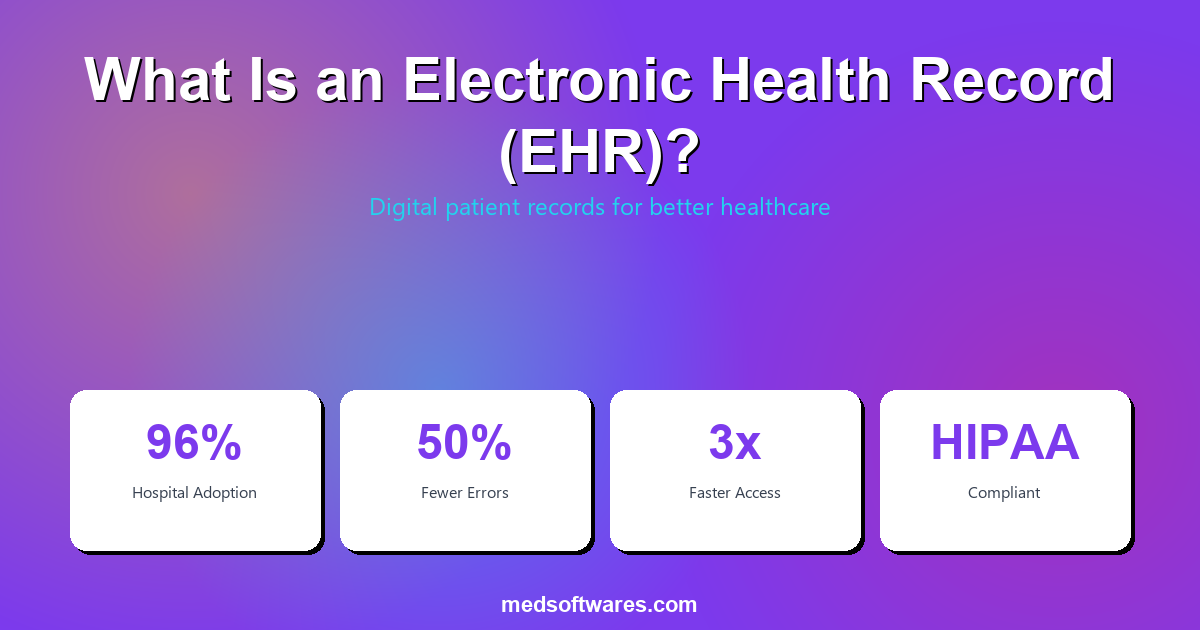
An electronic health record (EHR) is a digital version of a patient's complete medical history that is maintained by healthcare providers over time, including diagnoses, treatments, medications, lab results, immunizations, and imaging reports. Unlike paper records, EHRs enable instant access, sharing across authorized providers, and data-driven clinical decision support.
EHR vs EMR: What Is the Difference?
One of the most common points of confusion in healthcare technology is the difference between an EHR and an EMR. While the terms are often used interchangeably, they have distinct meanings.
| Feature | EMR (Electronic Medical Record) | EHR (Electronic Health Record) | |---------|--------------------------------|-------------------------------| | Scope | Single practice or facility | Shared across multiple providers and facilities | | Data sharing | Limited to one organization | Designed for interoperability and exchange | | Patient access | Typically no patient portal | Includes patient portal for self-service | | Portability | Records stay within the facility | Records follow the patient across providers | | Focus | Clinical documentation | Complete health picture including wellness | | Interoperability | Minimal external integration | Built for HL7, FHIR, and health information exchange |
In short: An EMR is a digital chart used within a single practice. An EHR is a comprehensive, interoperable record designed to be shared across the entire care continuum.
Key Components of an EHR System
Patient Demographics
- Personal information (name, date of birth, contact details)
- Insurance and billing information
- Emergency contacts and next of kin
- Preferred language and communication preferences
Clinical Documentation
- Visit notes and progress reports
- Problem lists and active diagnoses
- Surgical history and procedure records
- Allergy documentation with severity ratings
Medication Management
- Current medication list with dosages and frequencies
- Prescription history and refill tracking
- Drug-drug and drug-allergy interaction alerts
- E-prescribing to pharmacies
Laboratory and Diagnostic Results
- Lab test results with reference ranges and trends
- Imaging reports and DICOM image links
- Pathology reports
- Historical result comparison for trend analysis
Immunization Records
- Complete vaccination history
- Scheduled immunizations with reminders
- Compliance tracking for required vaccinations
- Registry reporting for public health authorities
Clinical Decision Support (CDS)
- Evidence-based treatment recommendations
- Preventive care reminders (screenings, check-ups)
- Clinical guideline alerts at point of care
- Risk assessment calculators
Patient Portal
- Online appointment scheduling
- Secure messaging with providers
- Access to lab results and visit summaries
- Prescription refill requests
- Bill payment and insurance information
Benefits of Electronic Health Records
For Healthcare Providers
- Instant access to complete patient history from any authorized workstation
- Reduced documentation time with templates, voice dictation, and smart forms
- Fewer medical errors through drug interaction alerts and allergy warnings
- Better care coordination when specialists, labs, and pharmacies share data
- Simplified compliance with automated audit trails and reporting
For Patients
- Continuity of care as records follow them between providers
- Self-service access to results, appointments, and prescriptions through patient portals
- Fewer redundant tests when providers can view existing results
- Improved safety from allergy alerts and medication tracking
- Faster referrals with electronic record transfer between facilities
For Healthcare Organizations
- 30-40% reduction in chart retrieval and filing costs
- Faster reimbursement through integrated billing and coding
- Population health analytics for quality improvement initiatives
- Reduced liability with complete, timestamped documentation
- Regulatory compliance with meaningful use and data privacy requirements
EHR Interoperability Standards
Interoperability is what distinguishes a true EHR from a basic EMR. Key standards include:
| Standard | Purpose | Status | |----------|---------|--------| | HL7 v2 | Message-based data exchange between systems | Widely adopted, legacy standard | | HL7 FHIR | Modern API-based data exchange using REST | Rapidly growing, recommended for new implementations | | DICOM | Medical imaging data format and transfer | Universal standard for radiology and imaging | | ICD-10 | Diagnosis coding for clinical and billing use | Required for insurance claims globally | | SNOMED CT | Clinical terminology for standardized documentation | Used for clinical decision support | | CDA (C-CDA) | Document-based clinical data exchange | Used for care summaries and transitions |
Types of EHR Systems
By Deployment Model
| Type | Description | Pros | Cons | |------|-------------|------|------| | On-premise | Installed on local servers | Full data control, offline access, no recurring fees | Requires IT staff and infrastructure | | Cloud-based | Hosted remotely, browser access | Low upfront cost, auto-updates, accessible anywhere | Requires internet, ongoing subscription | | Hybrid | Local install with cloud backup | Offline capability + remote access | More complex architecture |
By Specialty
- General practice EHR -- Broad functionality for primary care clinics
- Specialty-specific EHR -- Tailored workflows for cardiology, oncology, pediatrics, etc.
- Hospital EHR -- Integrated with HMS for inpatient and outpatient care
- Ambulatory EHR -- Designed for outpatient clinics and surgical centers
How to Choose an EHR System
Essential Evaluation Criteria
- Interoperability -- Does it support HL7 FHIR and integrate with labs, pharmacies, and other providers?
- Usability -- Is the interface intuitive enough that clinicians can document efficiently without excessive clicks?
- Customization -- Can templates, workflows, and forms be adapted to your specialty and practice patterns?
- Offline access -- Can clinicians access records without internet? Critical in regions with unreliable connectivity
- Patient portal -- Does it include a patient-facing portal for appointment booking, messaging, and result viewing?
- Compliance -- Does it meet local regulatory requirements for data privacy and reporting?
- Total cost of ownership -- Consider license fees, implementation, training, and ongoing maintenance over 5 years
EHR Cost Comparison
| Pricing Model | Typical Cost | 5-Year Total | Best For | |--------------|-------------|-------------|----------| | One-time license | $999-$4,999 | $999-$4,999 | Facilities wanting to avoid recurring fees | | Per-provider/month | $200-$700/provider/mo | $12,000-$42,000/provider | Practices preferring predictable monthly costs | | Per-encounter | $1-$5/encounter | Varies by volume | High-volume outpatient clinics |
HospitalOS: EHR Built Into a Complete HMS
HospitalOS by MedSoftwares includes a fully integrated EHR as part of its comprehensive hospital management system:
- Complete patient records with clinical notes, lab results, imaging, and medication history
- Drug interaction and allergy alerts at point of prescribing and dispensing
- Template-based documentation for fast, consistent clinical notes
- One-time payment starting at $999 with no monthly subscription fees
- 100% offline operation so clinicians always have access to patient data
- Multi-facility support with centralized records across branches
- HL7 and DICOM integration for lab analyzer and imaging equipment connectivity
Request a free demo to see how HospitalOS EHR capabilities can improve patient care at your facility.
Frequently Asked Questions
What is the difference between EHR and EMR?
An EMR is a digital medical chart used within a single practice. An EHR is a broader, interoperable record designed to be shared across multiple healthcare providers, giving a complete picture of a patient's health history.
Are EHRs required by law?
Requirements vary by country. In the United States, the HITECH Act incentivized EHR adoption through meaningful use programs. Many countries are implementing digital health mandates that effectively require EHR systems for regulatory compliance and insurance reimbursement.
How long does EHR implementation take?
Implementation timelines range from 2-6 weeks for small practices to 6-12 months for large hospitals. Key factors include data migration volume, customization requirements, integration complexity, and staff training needs.
Can EHRs work offline?
On-premise and hybrid EHR systems like HospitalOS provide full offline access. Cloud-only systems require internet connectivity, which can be a significant limitation in areas with unreliable internet service.
Do EHRs improve patient outcomes?
Research consistently shows that EHRs reduce medical errors, improve medication safety through interaction alerts, enable better care coordination, and support evidence-based clinical decisions. Studies report a 30-50% reduction in adverse drug events with EHR-based medication management.


