
![Hospital Software RFP Template: Complete Guide & Free Template [2026]](/_next/image?url=%2Finfographics%2Fhospital-software-rfp-template.png&w=2048&q=75)
A well-crafted RFP (Request for Proposal) is essential for selecting the right hospital software. This guide provides everything you need to create an effective RFP and evaluate vendor responses.
What is an RFP?
A Request for Proposal (RFP) is a formal document that:
- Describes your hospital's requirements
- Invites vendors to propose solutions
- Provides evaluation framework
- Ensures fair comparison
Why You Need an RFP
| Without RFP | With RFP | |-------------|----------| | Inconsistent vendor info | Standardized responses | | Difficult comparisons | Easy side-by-side review | | Missing requirements | Complete coverage | | Vendor-driven process | Buyer-controlled process | | Surprise costs | Transparent pricing |
RFP Structure
Section 1: Introduction & Background
Include:
- Hospital overview (size, type, location)
- Current situation and challenges
- Project objectives
- Timeline expectations
- Contact information
Example:
About [Hospital Name]
[Hospital Name] is a [X]-bed [type] hospital located in [City, Country]. We currently serve [X] patients annually with [X] staff members.
Current Situation
We currently use [current system/manual processes] and are seeking a modern hospital management system to improve efficiency, patient care, and financial performance.
Project Objectives
- Implement comprehensive HMS within [timeframe]
- Improve patient registration efficiency by [X]%
- Reduce billing errors by [X]%
- Enable data-driven decision making
Section 2: Scope of Requirements
Functional Requirements:
| Module | Required | Desired | Not Needed | |--------|----------|---------|------------| | Patient Registration | ☐ | ☐ | ☐ | | Outpatient (OPD) | ☐ | ☐ | ☐ | | Inpatient (IPD) | ☐ | ☐ | ☐ | | Emergency | ☐ | ☐ | ☐ | | Laboratory | ☐ | ☐ | ☐ | | Radiology | ☐ | ☐ | ☐ | | Pharmacy | ☐ | ☐ | ☐ | | Billing | ☐ | ☐ | ☐ | | Inventory | ☐ | ☐ | ☐ | | HR/Payroll | ☐ | ☐ | ☐ | | EMR | ☐ | ☐ | ☐ | | Reporting | ☐ | ☐ | ☐ |
Technical Requirements:
| Requirement | Specification | |-------------|---------------| | Deployment | On-premise / Cloud / Hybrid | | Users | Concurrent users expected | | Integration | Systems to integrate with | | Offline | Required / Not required | | Mobile | Mobile access needs | | Languages | Interface language requirements |
Section 3: Vendor Questions
Company Information:
- Company name and headquarters location
- Years in business
- Number of employees
- Financial stability indicators
- Number of hospital installations
- Reference customers (similar size/type)
Product Information:
- Product name and version
- Technology platform
- Modules included
- Upgrade frequency
- Roadmap for future development
Support Information:
- Support hours and channels
- Response time guarantees
- Escalation procedures
- Training provided
- Documentation available
Section 4: Pricing Request
Request Breakdown:
| Cost Category | One-Time | Monthly | Annual | |---------------|----------|---------|--------| | Software license | | | | | Implementation | | | | | Training | | | | | Data migration | | | | | Hardware (if any) | | | | | Support/Maintenance | | | | | Future upgrades | | | | | Per-user fees | | | | | Other fees | | | |
Important Questions:
- What is included vs. additional cost?
- Are there per-user or per-transaction fees?
- What are payment terms?
- Are there price increase caps?
Section 5: Evaluation Criteria
Scoring Matrix:
| Criteria | Weight | Score (1-5) | Weighted | |----------|--------|-------------|----------| | Functional fit | 25% | | | | Total cost | 20% | | | | Ease of use | 15% | | | | Implementation time | 15% | | | | Vendor stability | 10% | | | | Support quality | 10% | | | | References | 5% | | | | Total | 100% | | |
Must-Ask Questions
About the Software
- Offline capability: "Does the system work without internet? How?"
- Scalability: "Can the system grow with us? What are limits?"
- Customization: "What can be customized? At what cost?"
- Integration: "How does it integrate with [specific system]?"
- Updates: "How are updates delivered? Is there downtime?"
About Implementation
- Timeline: "What is realistic implementation time for our size?"
- Resources: "What do you need from us during implementation?"
- Data migration: "How will our existing data be migrated?"
- Training: "What training is included? What's extra?"
- Go-live support: "What support is provided during go-live?"
About Costs
- Total cost: "What is the complete 5-year cost?"
- Hidden fees: "Are there any additional fees not listed?"
- Price increases: "How often do prices increase? By how much?"
- Payment terms: "What are payment options and terms?"
- Exit costs: "What happens if we want to leave?"
About Support
- Response time: "What is guaranteed response time?"
- Availability: "What hours is support available?"
- Escalation: "How are critical issues escalated?"
- Account management: "Do we have a dedicated contact?"
- User community: "Is there a user community or forum?"
Evaluation Process
Step 1: Initial Screening
Eliminate vendors that:
- Don't meet mandatory requirements
- Exceed budget significantly
- Have concerning stability issues
- Provide incomplete responses
Step 2: Detailed Evaluation
Score remaining vendors on:
- Functional requirements match
- Technical requirements match
- Pricing competitiveness
- Implementation approach
- Support capabilities
- References quality
Step 3: Demonstrations
During demos, evaluate:
- Ease of use
- Workflow fit
- Performance
- User interface
- Feature depth
Step 4: Reference Checks
Ask references:
- Implementation experience
- Actual vs. promised timeline
- Support quality
- Issues encountered
- Would they choose again?
Step 5: Final Selection
Make decision based on:
- Total evaluation score
- Demonstration impressions
- Reference feedback
- Gut feeling about partnership
Common RFP Mistakes
Mistake 1: Vague Requirements
Problem: "We need good billing software."
Better: "We need billing software that processes 500+ daily transactions, integrates with NHIS, and provides aging reports."
Mistake 2: Unrealistic Timelines
Problem: Expecting full implementation in 2 weeks.
Reality: Allow adequate time for quality implementation (typically 4-12 weeks depending on scope).
Mistake 3: Focusing Only on Price
Problem: Selecting cheapest option without considering total value.
Better: Evaluate total cost of ownership including support, training, and long-term fees.
Mistake 4: Too Many Must-Haves
Problem: Making everything "required" eliminates good options.
Better: Distinguish truly required features from desired features.
Mistake 5: Skipping References
Problem: Trusting vendor claims without verification.
Better: Always check references from similar hospitals.
Sample RFP Timeline
| Week | Activity | |------|----------| | 1-2 | Develop RFP document | | 3 | Release RFP to vendors | | 4 | Vendor questions period | | 5-6 | Proposal submission period | | 7-8 | Initial evaluation and shortlisting | | 9-10 | Vendor demonstrations | | 11 | Reference checks | | 12 | Final selection and negotiation |
HospitalOS RFP Response Highlights
When evaluating HospitalOS, you'll find:
Functional:
- 25+ integrated modules
- All core hospital functions
- Offline capability
- Multi-language support
Technical:
- Modern web-based interface
- On-premise deployment
- Low hardware requirements
- Standard data formats
Commercial:
- One-time pricing ($799-$4,999)
- No monthly fees
- No per-user fees
- Free updates included
- Support included
Implementation:
- 2-4 week typical timeline
- Training included
- Data migration tools
- Go-live support
Free RFP Template Download
What's Included
- Complete RFP document template (Word format)
- Requirements checklist
- Evaluation scoring matrix (Excel)
- Vendor comparison template
- Reference check questions
How to Get It
Contact us for the free template package:
Frequently Asked Questions
How long should the RFP process take?
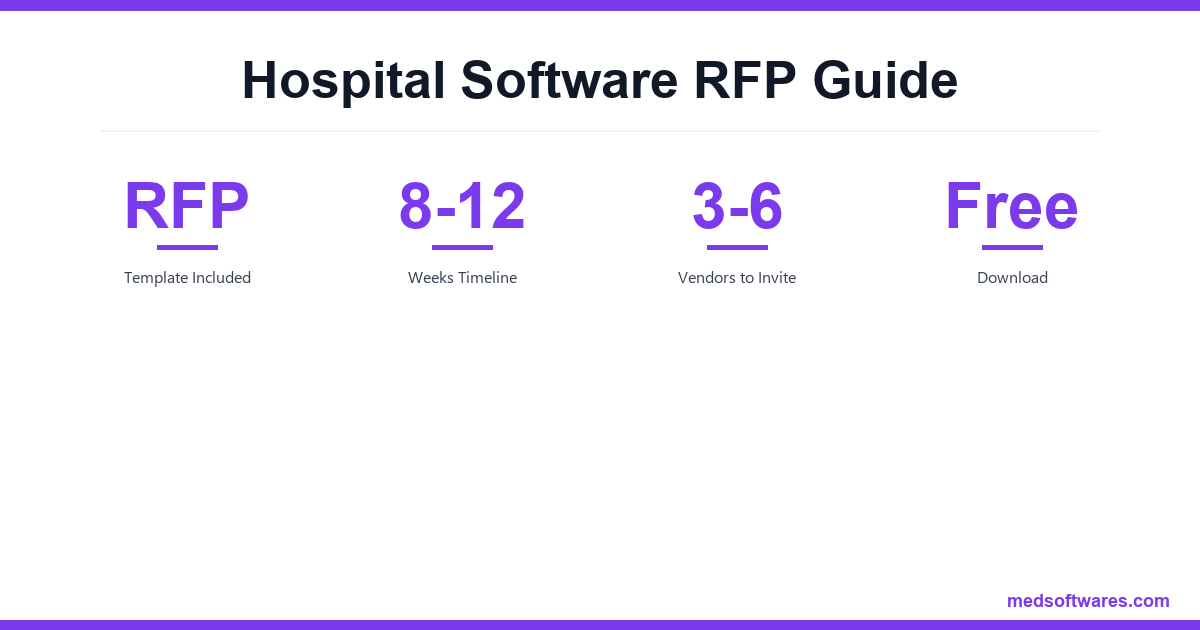
Typically 8-12 weeks from RFP release to final selection. Don't rush—good selection prevents expensive mistakes.
How many vendors should we invite?
3-6 vendors is ideal. Too few limits options; too many overwhelms evaluation.
Should we include pricing in evaluation criteria?
Yes, but balance with functionality and quality. The cheapest option isn't always the best value.
What if no vendor meets all requirements?
Prioritize requirements. Consider which gaps are acceptable vs. which are dealbreakers.
Can we negotiate after RFP selection?
Yes, negotiation is expected. Use competitive tension to negotiate better terms.
Conclusion
A well-structured RFP leads to better vendor selection. Take time to:
- Define clear requirements
- Ask the right questions
- Evaluate objectively
- Check references
- Consider total value
Need help evaluating HospitalOS?
We're happy to respond to your RFP or answer questions directly.
![How to Choose Hospital Management Software: Complete Buyer's Guide [2026]](/_next/image?url=%2Finfographics%2Fhospital-software-buyers-guide.png&w=2048&q=75)

