

Dental clinics have unique software needs—from treatment planning to dental charting. This guide covers the best dental practice management solutions and how to choose the right one.
What Dental Clinics Need
Core Requirements
| Feature | Dental-Specific Need | |---------|---------------------| | Appointment scheduling | Procedure-based time slots | | Patient records | Dental history, allergies | | Treatment planning | Multi-visit procedures | | Dental charting | Visual tooth diagrams | | Billing | Procedure codes, insurance | | Imaging | X-ray integration |
Why General Software Falls Short
General clinic software often lacks:
- Dental charting capabilities
- Procedure-specific scheduling
- Dental insurance coding
- Treatment plan management
- Dental-specific reporting
Top Dental Software Options
Option 1: Dental-Specific Software
Examples: Dentrix, Eaglesoft, Open Dental
Pros:
- Purpose-built for dental
- Advanced dental charting
- Treatment planning tools
- Dental insurance expertise
Cons:
- Higher cost
- US/Western market focus
- Monthly subscriptions
- May be overkill for small practices
Option 2: Adaptable Practice Management
Example: HospitalOS Clinic Edition
Pros:
- Comprehensive clinic management
- Affordable one-time pricing
- Works offline
- Customizable for dental
- Multi-language support
Cons:
- May need dental chart add-on
- Less dental-specific templates
Best For: Dental clinics in developing markets, cost-conscious practices
Option 3: Basic/Free Solutions
Examples: OpenDental (free), basic EHR systems
Pros:
- Low or no cost
- Basic functionality
Cons:
- Limited features
- Technical setup required
- Support challenges
Essential Features for Dental Clinics
1. Appointment Scheduling
Dental-Specific Needs:
- Procedure-based time blocks
- Operatory management
- Provider schedules
- Recall management (6-month checkups)
- Waitlist functionality
HospitalOS Capabilities:
- Flexible appointment types
- Multiple provider schedules
- SMS reminders
- Patient self-scheduling (optional)
2. Patient Records
Dental-Specific Needs:
- Dental history
- Medical alerts (allergies, conditions)
- Treatment history
- Insurance information
- Communication preferences
HospitalOS Capabilities:
- Complete patient profiles
- Medical history tracking
- Document attachments
- Custom fields for dental
3. Treatment Planning
Dental-Specific Needs:
- Multi-visit treatment plans
- Cost estimates
- Patient acceptance tracking
- Progress tracking
HospitalOS Capabilities:
- Multi-phase treatment plans
- Cost estimation
- Status tracking
- Visit documentation
4. Billing & Insurance
Dental-Specific Needs:
- Dental procedure codes
- Insurance eligibility
- Claim submission
- Patient statements
- Payment plans
HospitalOS Capabilities:
- Flexible billing
- Insurance integration
- Payment tracking
- Reports and analytics
5. Dental Charting (Specialized)
For advanced dental charting, options include:
- Dedicated dental software
- Third-party charting tools
- Paper charts with digital records
Note: Basic HospitalOS handles clinical documentation; specialized dental charting may require add-on tools for complex practices.
HospitalOS for Dental Clinics
Why Dental Clinics Choose HospitalOS
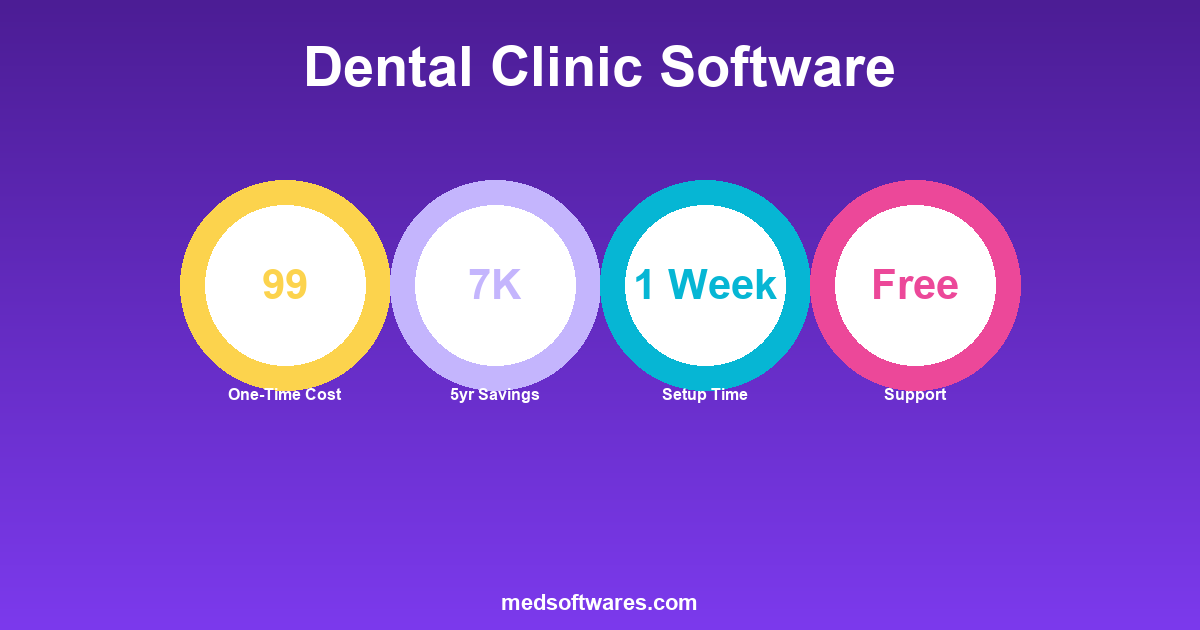
| Factor | HospitalOS Advantage | |--------|---------------------| | Price | $799 one-time vs. $300+/month | | Offline | Works during internet outages | | Simplicity | Easy to learn and use | | Support | Included free | | Flexibility | Adapts to your workflow |
Modules Useful for Dental
| Module | Dental Use | |--------|------------| | Patient Registration | Complete patient profiles | | OPD | Consultation and treatment | | Billing | Procedure billing | | Inventory | Dental supplies tracking | | Reporting | Practice analytics | | Scheduling | Appointment management |
What You Can Do
With HospitalOS:
- Schedule and manage appointments
- Maintain complete patient records
- Document treatments and procedures
- Bill patients and insurance
- Track dental supplies
- Generate practice reports
May Need Additional:
- Advanced dental charting (specialized tool)
- Dental-specific imaging integration
Cost Comparison
5-Year Total Cost
| Solution | Year 1 | Years 2-5 | 5-Year Total | |----------|--------|-----------|--------------| | HospitalOS Clinic | $799 | $0 | $799 | | Dentrix (approx.) | $5,000 | $12,000 | $17,000 | | Eaglesoft (approx.) | $4,000 | $10,000 | $14,000 | | Cloud dental software | $3,600 | $14,400 | $18,000 |
HospitalOS saves $13,000-$17,000 over 5 years.
Implementation for Dental Clinics
Setup Steps
| Day | Activity | |-----|----------| | 1 | Install software, configure settings | | 2 | Set up dental procedures and pricing | | 3 | Configure scheduling templates | | 4-5 | Enter existing patient data | | 5-7 | Staff training | | 8+ | Go live |
Customization for Dental
Procedure Setup:
- Create dental procedure list
- Set standard durations
- Configure pricing
- Set up procedure categories
Scheduling Setup:
- Define operatory/chair schedule
- Set appointment types
- Configure reminders
- Enable recalls
Best Practices for Dental Software
1. Recall Management
Set Up Automatic Recalls:
- 6-month checkup reminders
- Treatment follow-up reminders
- Hygiene appointment recalls
2. Patient Communication
Use Built-In Features:
- Appointment confirmations
- Reminder messages
- Post-visit instructions
3. Inventory Control
Track Dental Supplies:
- Gloves, masks, materials
- Dental instruments
- Medications
- Reorder alerts
4. Financial Management
Optimize Revenue:
- Track treatment acceptance
- Monitor collections
- Review procedure profitability
- Manage aging receivables
Choosing the Right Solution
Choose Dental-Specific Software If:
- You need advanced dental charting
- Budget isn't primary concern
- You're in US/Western market
- You want dental-specific features
Choose HospitalOS If:
- Budget is important
- You're in developing market
- Basic charting is sufficient
- You need offline capability
- You want one-time pricing
- Multi-language support needed
Evaluation Checklist
| Feature | Required | Desired | Not Needed | |---------|----------|---------|------------| | Scheduling | ☐ | ☐ | ☐ | | Patient records | ☐ | ☐ | ☐ | | Billing | ☐ | ☐ | ☐ | | Dental charting | ☐ | ☐ | ☐ | | Insurance claims | ☐ | ☐ | ☐ | | Imaging integration | ☐ | ☐ | ☐ | | Offline mode | ☐ | ☐ | ☐ |
Frequently Asked Questions
Can HospitalOS handle dental charting?
HospitalOS provides clinical documentation for treatments. For advanced graphical dental charting (tooth diagrams), a specialized add-on or separate tool may be better.
Is training difficult?
No. Most dental teams learn the core functions within a week. HospitalOS is designed to be intuitive.
Can we migrate from existing software?
Yes. Patient data, treatment history, and other records can be imported into HospitalOS.
What about dental insurance?
HospitalOS handles insurance billing. Specific dental code sets can be configured during setup.
Do you support multiple operatories?
Yes. You can set up multiple treatment rooms/chairs with separate schedules.
Get Started
For dental clinics seeking affordable, reliable practice management:
HospitalOS Clinic Edition provides:
- Complete patient management
- Flexible scheduling
- Billing and collections
- Inventory tracking
- Reporting and analytics
- One-time price: $799
![Clinic Appointment Scheduling Software: Complete Guide [2026]](/_next/image?url=%2Finfographics%2Fclinic-scheduling-benefits-2026.png&w=2048&q=75)
![Hospital Software RFP Template: Complete Guide & Free Template [2026]](/_next/image?url=%2Finfographics%2Fhospital-software-rfp-template.png&w=2048&q=75)
![How to Switch Pharmacy Software: Complete Migration Guide [2026]](/_next/image?url=%2Finfographics%2Fswitch-pharmacy-software-guide.png&w=2048&q=75)